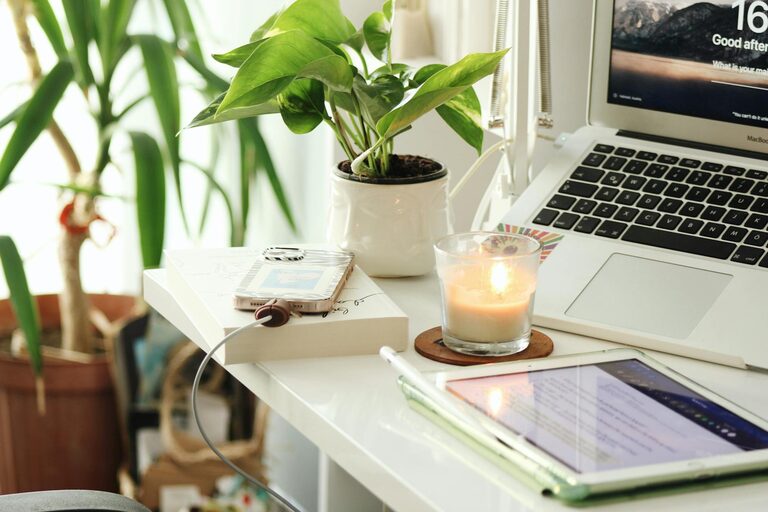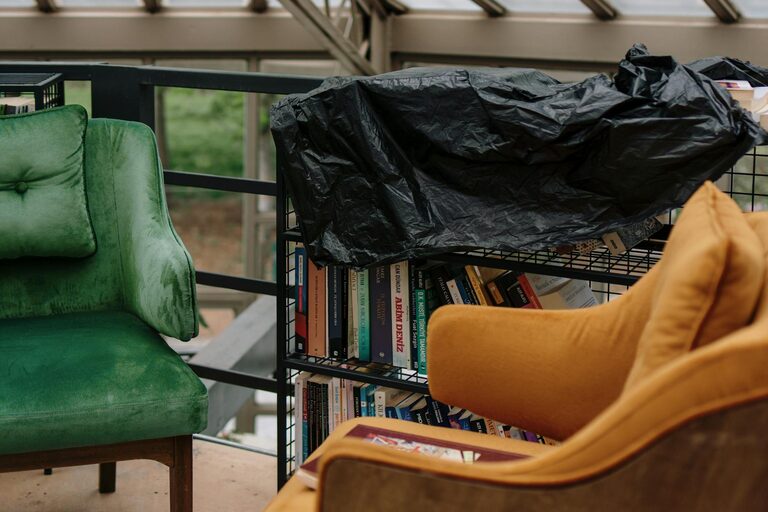
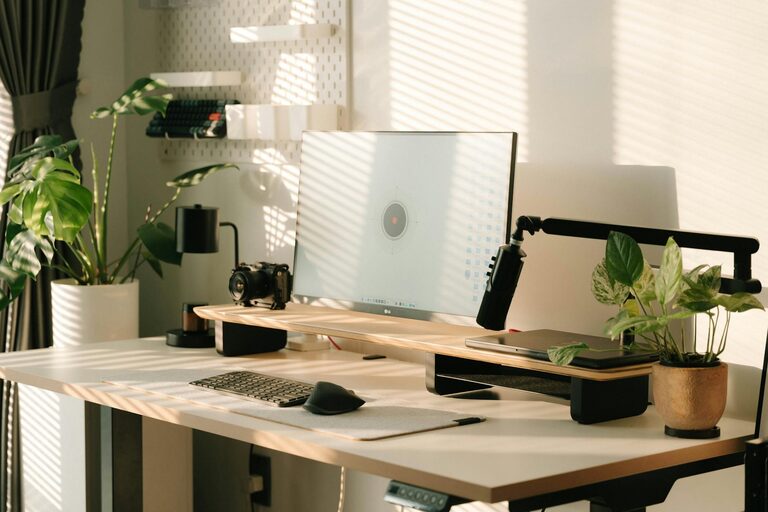
Creating a home workspace that balances coziness and productivity can transform your work-from-home experience. Whether you’re a full-time remote worker or someone who occasionally brings tasks home, an inviting and efficient space can help you focus, reduce stress, and enhance your overall well-being. Here are practical tips to make your home workspace both comfortable and conducive to getting things done.
Choose the Right Spot
Start by selecting a location in your home that minimizes distractions and supports your work routine. Ideally, this space should:
– Be quiet or easily sound-proofed.
– Have access to natural light, which boosts mood and energy.
– Offer enough room for your desk and equipment without feeling cramped.
If space is limited, even a small nook or corner can serve as an effective workspace if arranged thoughtfully.
Invest in Comfortable Furniture
Comfort is key to maintaining focus during long work sessions. Consider:
– Ergonomic chair: A supportive chair reduces the chance of back pain.
– Adjustable desk: Standing desks or those with adjustable height options encourage movement and reduce fatigue.
– Desk size: Ensure your desk is large enough to accommodate your computer, office supplies, and any other essentials without clutter.
Comfort helps you stay productive and signals to your brain that this space is meant for work.
Optimize Lighting
Lighting has a significant impact on your mood and productivity. Aim to:
– Place your desk near a window for natural light.
– Use adjustable desk lamps with warm white bulbs for task lighting.
– Avoid glare on screens by positioning light sources to the side rather than directly behind or in front of your monitor.
Good lighting reduces eye strain and keeps you energized throughout the day.
Keep It Organized
A tidy workspace can help clear your mind and improve focus. To stay organized:
– Use drawer organizers or desktop trays to store stationery.
– Incorporate shelves or filing cabinets to keep paperwork and supplies out of sight.
– Limit the items on your desk to frequently used essentials.
Develop a habit of tidying your workspace at the end of each day to maintain a clutter-free environment.
Personalize Your Space
Adding personal touches makes your workspace feel welcoming and inspiring. Consider:
– Displaying photos, artwork, or motivational quotes.
– Incorporating plants to bring in natural elements and improve air quality.
– Using colors that boost your mood; for example, soft blues can promote calmness, while yellows can fuel creativity.
Personalization helps your workspace feel like your own without becoming distracting.
Minimize Distractions
Identify common distractions in your home and find ways to reduce them, such as:
– Using noise-canceling headphones or soft background music.
– Setting boundaries with family or roommates for work hours.
– Turning off non-essential notifications on your devices.
Creating a focus-friendly environment encourages better concentration and work quality.
Establish a Routine
Your workspace is most productive when paired with a consistent routine. Tips include:
– Setting regular work hours to provide structure.
– Taking scheduled breaks to avoid burnout—use breaks to stretch, hydrate, or step outside if possible.
– Starting your day by organizing tasks with a to-do list or planner.
A routine trains your mind to associate your home workspace with work time.
Maintain Good Air Quality and Temperature
Comfort goes beyond furniture and lighting—air quality and temperature also matter:
– Keep your workspace well-ventilated by opening windows or using air purifiers.
– Use a fan or heater to maintain a comfortable temperature year-round.
– Plants can help improve air freshness naturally.
A pleasant atmosphere helps you feel comfortable and alert throughout the day.
Use Technology Wisely
Technology can boost your productivity when used thoughtfully:
– Invest in reliable internet and necessary peripherals like a good keyboard or mouse.
– Use productivity apps for task management, time tracking, or minimizing distractions.
– Keep cables organized with clips or sleeves to prevent tangling and clutter.
Ensure your technology setup supports your workflow rather than complicates it.
Keep Work and Relaxation Separate
Finally, it’s important to mentally separate work from relaxation. Tips include:
– Avoid working in places associated with rest, like your bed or couch.
– When work is done, clear your desk or close your laptop to signal the end of the workday.
– If possible, create a dedicated workspace physically separated from relaxation areas.
This separation helps maintain work-life balance and prevents burnout.
—
Creating a cozy and productive home workspace is about thoughtful design, organization, and habits. With these tips, you can build a space that not only supports your work needs but also feels inviting, helping you thrive while working from home.
About the Author